Notes · starting out
Start here: a reading path for new freelancers
Free notes on getting paid for your time, sorted by the problem you have this week.
Updated 2026-10-27
There are 57 notes in this library now, and nobody needs all of them on day one. A freelancer with a first client this week needs different pages from someone whose invoice is three weeks late, or someone wondering why a busy month paid so little. This page is the card catalog: find the drawer that matches where you are, read two or three notes, and come back when the next problem shows up.
Every note is free to read, with no account and no email wall. Each one is written for someone fairly new to freelancing, and any number, law or fee in it links to the source it came from, so you can check it yourself.
If you just landed your first client
The first job sets habits you will keep for years, so it is worth an hour of setup before you start. Read First client this week? for the one-hour checklist: agreement, rate, payment terms, a clock and the invoice. Then Freelance contract basics covers the six things to settle in writing, and Your first invoice walks through what goes on it. If the client asked for a tax form before paying you, A client asked for a W-9 explains what that is.
Not sure what to charge yet? The hourly rate calculator works backwards from the income you need, and the rate guides show typical ranges by field.
If you are not sure your price is right
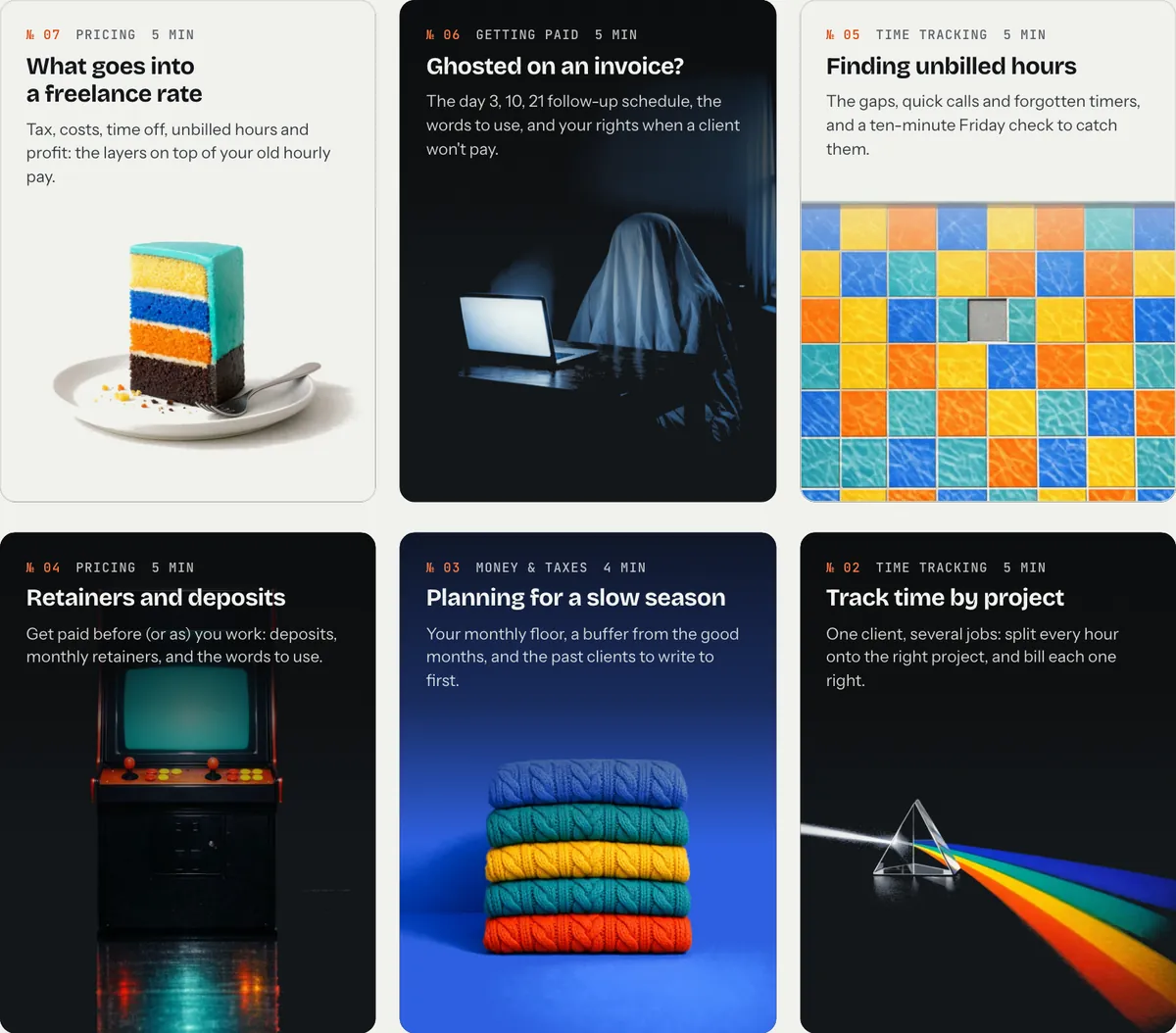
Pricing is the drawer most people open first and close too fast. Start with Your real hourly rate: divide what a job paid by every hour it actually took, including the emails and revisions, and compare it with the rate you think you charge. What goes into a freelance rate shows the layers on top of an old hourly wage (taxes, time off, unbilled hours), and Hourly or flat fee? helps you choose how to quote.
When the number is clear, the next three are about saying it out loud: Negotiate your rate, Raise your rates and Minimum project fee. For flat-fee work specifically, Estimate project time and How to price revisions keep the fee from quietly shrinking.
If a client is late paying
This is the drawer you hope never to need. Ghosted on an invoice? gives a day 3, day 10, day 21 follow-up schedule with the words to use at each step. If it has gone well past that, The invoice that never came back covers the next moves, and When a client disputes an invoice covers the case where they do answer, but disagree.
Prevention is quicker than chasing. Payment terms, Late fees and Retainers and deposits are all about getting the money conversation done before the work starts. The payment fee calculator shows what each way of getting paid costs you.
If the hours never seem to add up
Busy weeks that pay badly usually have the same cause: time that never made it onto an invoice. Finding unbilled hours shows where it hides (the quick calls, the forgotten timer, the "can you just" message) and gives a ten-minute Friday check to catch it. Billable vs non-billable time explains what counts and why the hours you cannot bill still belong in your rate. Track time by project helps when one client has several jobs, and Time tracking habits is the short list that makes tracking stick.
If the money side keeps you up at night
Irregular income needs its own systems. Freelance cash flow and An emergency fund, freelance style are the place to start, then A separate business account and Freelance record keeping for the paperwork. The tax set-aside calculator gives a starting number for what to put aside from each payment. As always with taxes: these notes are general information, not tax advice.
If you are working with several clients at once
Juggling several clients, Weekly client updates and Client red flags cover the day-to-day. When a small request turns into a second project, It started as one small change has the words to use, and Saying no to clients covers the cases where the answer really is no.
How to use the library
A few habits make the notes more useful than a one-time read:
- Read the one that matches this week. A note you need right now sticks; one you read "for later" usually doesn't.
- Use the numbers. Most notes end with something to do: a schedule, a calculation, a sentence to send. Do it the same day.
- Share the one that helped. Every note has a Share button at the top and the bottom. On a phone it opens your phone's share sheet; on a computer it copies the link.

New notes go up most weeks. If you want them as they come out, there is a box at the bottom of every page: make a free tab account and they come with it, or just leave your email.
Where tab fits
Many of these notes come back to the same thing: knowing where your hours went, and turning them into an invoice that gets paid. That is what tab does. You start a clock for a client, and tab turns the time into an invoice your client can pay online, with polite reminders if it is late. You can try it right on the page, without an account.
Keep reading
 Open enrollment, self-employedThe 2027 dates, estimating an uneven income, and pricing health insurance into your rate.
 Side hustle to full-timeFour numbers to check before you quit: real rate, monthly costs, runway, and client risk.
 First client this week?The one-hour setup before you start: agreement, rate, payment terms, the clock, the invoice, tax.
Questions
Are the tab notes free?
Yes. Every note is free to read on tabwork.app, with no account and no email needed. You can sign up for new notes by email if you want them, but it is optional.
Where should a new freelancer start reading?
Start with the situation you are in this week: first client, pricing, a late payment, hours that don't add up, money and taxes, or juggling several clients. Each section on this page lists the two or three notes to read first.
Are the numbers in the notes sourced?
Every statistic, law, tax or fee claim in a note links to its primary source, such as a government site or the company's own pricing page, with the date it was checked.
Know where your hours went.
tab tracks your time, turns it into an invoice your client pays online, and sends the reminders for you. Free to start, no account to try it.
Start free Try it, no sign-upFree to startNo cardNo screenshots, ever